[Avg. reading time: 4 minutes]
Required Tools
Windows
Mac
Common Tools (Windows & Mac)
-
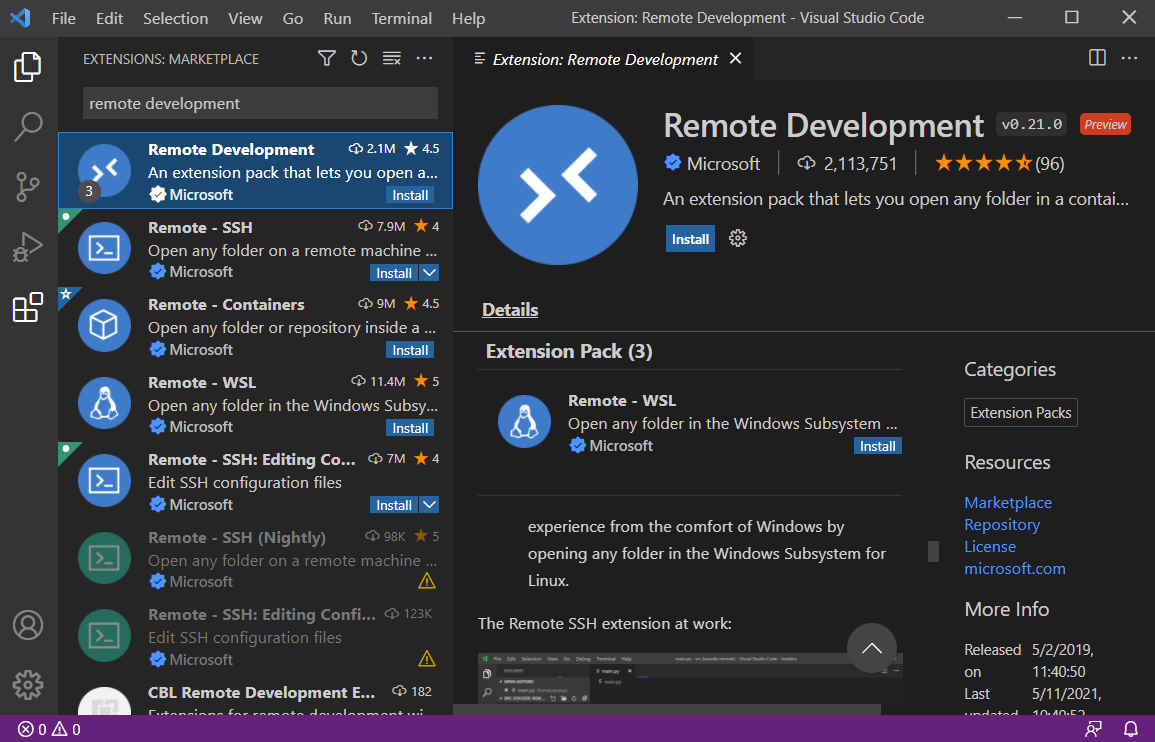
Install this VS Code Extension**
Remote Development
Configure Env using Dev Container
Goto Terminal / Command Prompt
git clone https://github.com/gchandra10/workspace-iot-upperstack.git
- Make sure Docker is running
- Open VSCode
- Goto File > Open Workspace from File
- Goto workspace-rust-de folder and choose the workspace.
- When VS Code prompts to “Reopen in Container” click it.
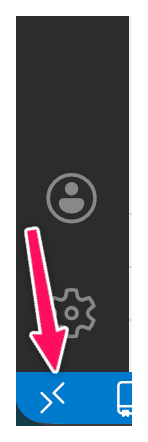
If VSCode doesnt prompt, then click the “Remote Connection” button at the Left Bottom of the screen.
Cloud Tools